Using the Management UI
This guide introduces the Management UI of EventSourcingDB. The UI provides a convenient way to monitor the system state and query events without writing code.
Overview
The Management UI consists of two main views:
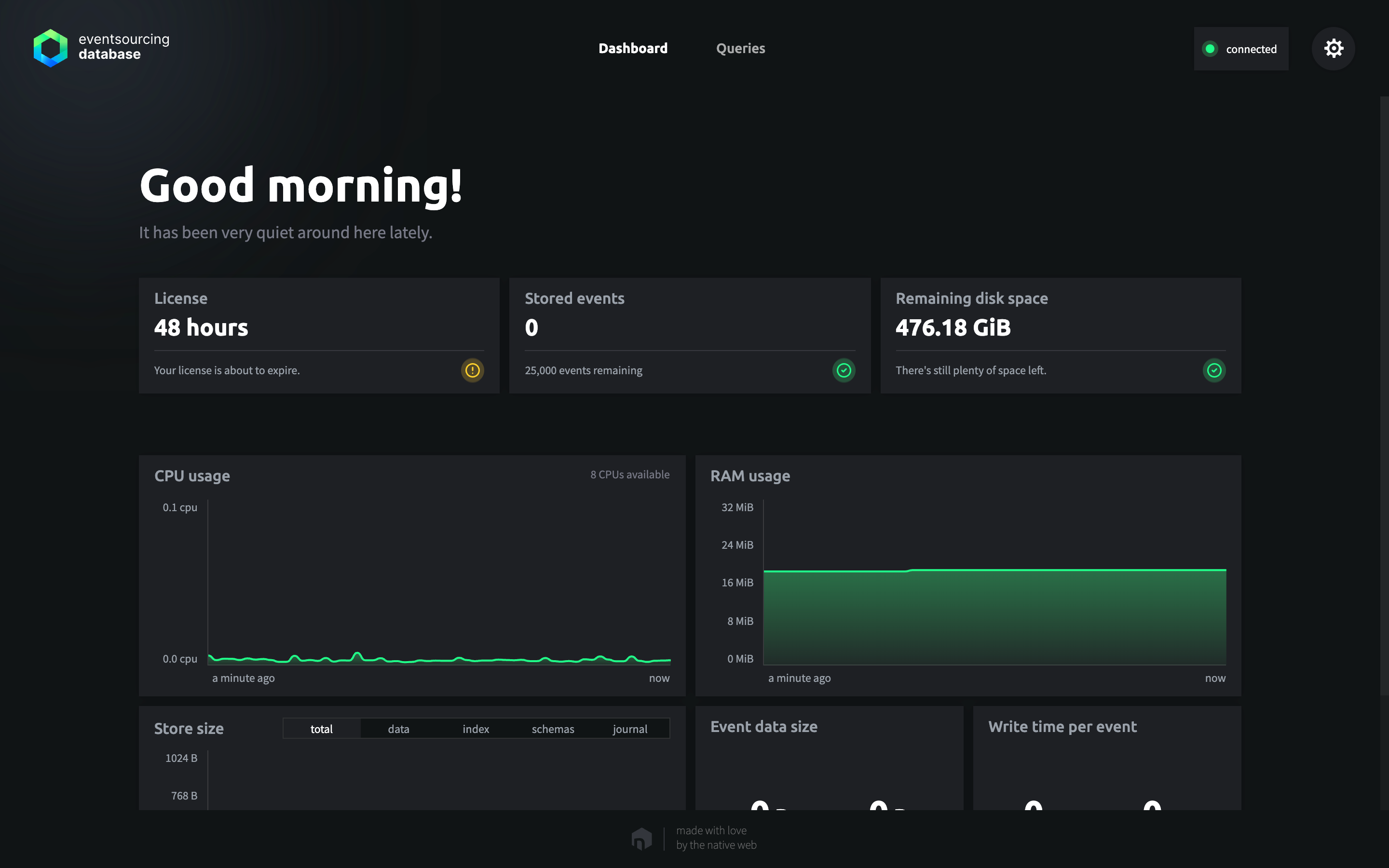
- A Dashboard that shows how the database is doing, with everything that needs attention, the latest events as they are written, and key figures and graphs of the license, the stored events, the remaining disk space, the open files, memory usage, and other operational metrics.
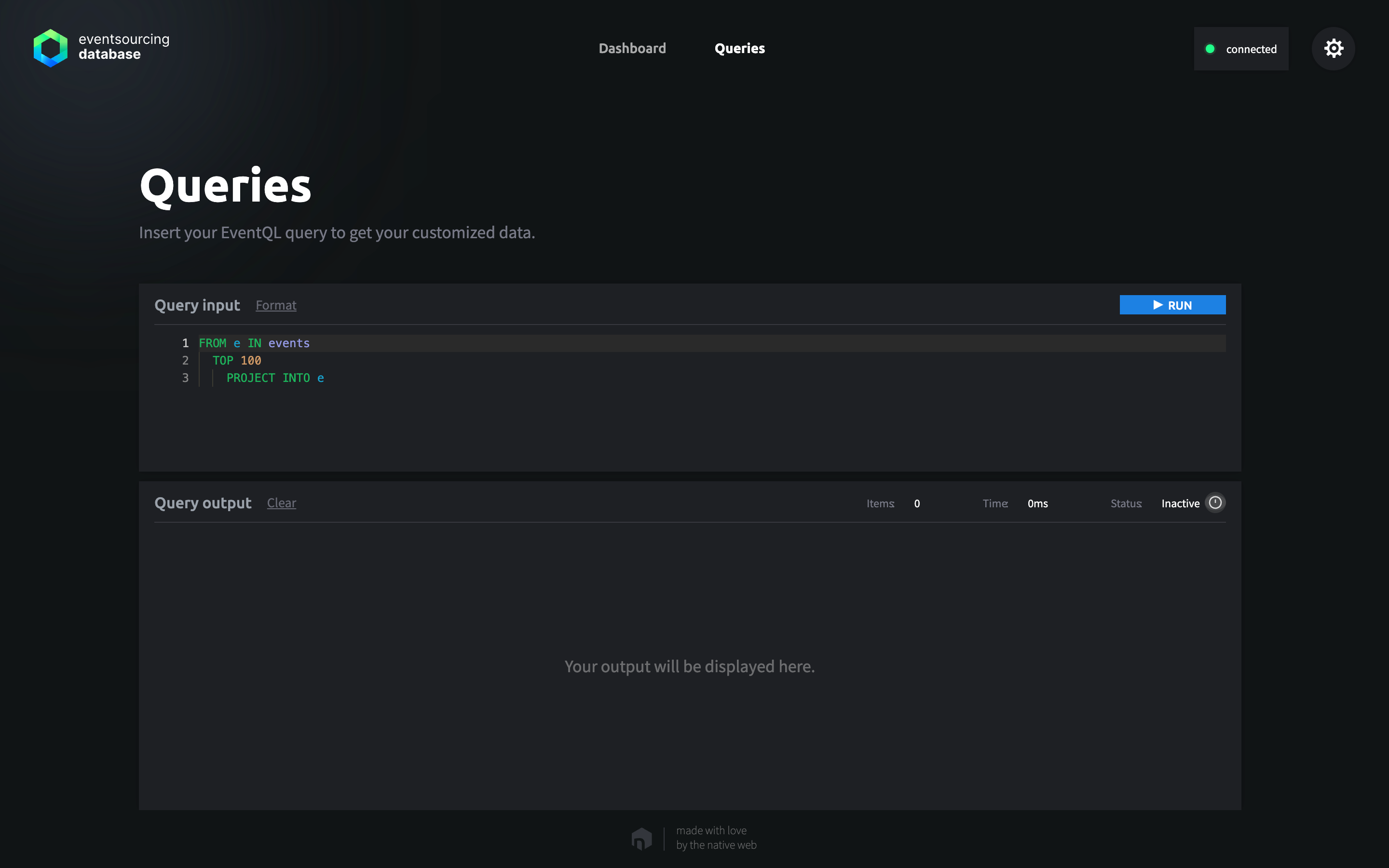
- An EventQL Query Editor that allows you to write and execute EventQL queries with a familiar developer experience, including syntax highlighting, auto-completion, error checking, and real-time feedback.
Accessing the Management UI
The Management UI is available only when EventSourcingDB is started with the --with-ui CLI flag. Authentication is required to access the UI: simply provide the API token configured for the database.
Security Notice
The Management UI is intended only for development and debugging purposes. It should never be exposed to the public internet.
Dashboard View
The dashboard provides a visual overview of the database status. A status tile sums up how the database is doing and names everything that needs attention, and next to it, the latest events appear live as they are written, the newest first. Below them, the key figures show the license, the stored events, the remaining disk space, and, except on Windows, the open files, followed by graphs of the CPU and RAM usage, the store size, the event data size, and the write time per event. Apart from the latest events and the version, everything comes from the health endpoint.
For additional details, see Logging and Monitoring.
EventQL View
The EventQL editor enables you to write and execute queries directly against the event store.
For more information, see Running EventQL Queries.